PDF to Image. Converter and Viewer
25
PDF to Image. Converter and Viewer
25
"PDF to Image. Convertor and Viewer" converts PDF pages to graphics files.
How it works:
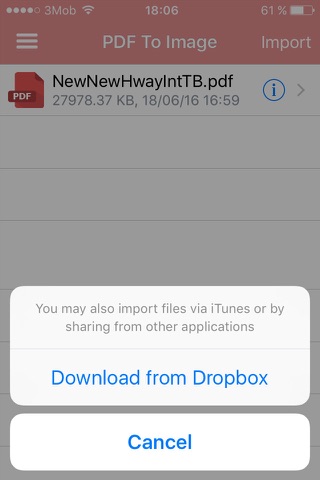
1) Launch "PDF to Image. Convertor and Viewer" and select a PDF document to convert.
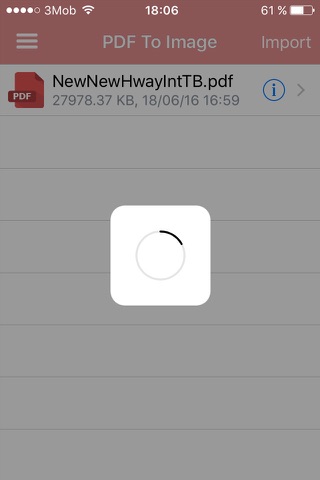
2) Click on "Convert" - "PDF to Image. Convertor and Viewer" will save all pages of the PDF document in JPG images.
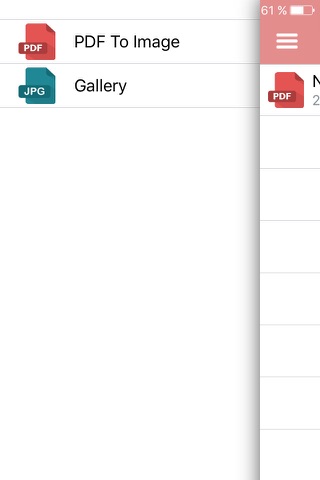
3) To view the images go to the built-in Gallery of images.
4) With each new convertion all previous images are deleted from your device.
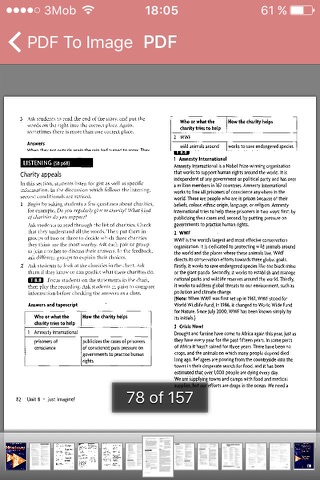
5) "PDF to Image. Convertor and Viewer" can be used as a PDF\JPG Viewer.
Convertor's benefits:
- Saves PDF pages to JPG images with a maximum resolution
- Optimized for the fastest possible conversion - 100 pages of a PDF document per 100 seconds
- Simple and user-friendly interface
- Does not change the quality of the images contained in the PDF document
- Provides independent Viewer PDF and JPG documents
How it works:
1) Launch "PDF to Image. Convertor and Viewer" and select a PDF document to convert.
2) Click on "Convert" - "PDF to Image. Convertor and Viewer" will save all pages of the PDF document in JPG images.
3) To view the images go to the built-in Gallery of images.
4) With each new convertion all previous images are deleted from your device.
5) "PDF to Image. Convertor and Viewer" can be used as a PDF\JPG Viewer.
Convertor's benefits:
- Saves PDF pages to JPG images with a maximum resolution
- Optimized for the fastest possible conversion - 100 pages of a PDF document per 100 seconds
- Simple and user-friendly interface
- Does not change the quality of the images contained in the PDF document
- Provides independent Viewer PDF and JPG documents
Celkové hodnocení
Sdílet
Souhrnné informace o PDF to Image. Converter and Viewer
-
Verze programu
25 -
Autor
-
Potřeba instalace
ano -
Velikost souboru
3,12 MB -
Systémové požadavky
Aplikace pro: iPhone, iPad -
Jazyk
- Angličtina ,
- Čínština ,
- Francouzština ,
- Holandština ,
- Italština ,
- Korejština ,
- Němčina ,
- Portugalština ,
- Ruština ,
- Španělština ,
- Turečtina
-
Staženo
0× celkem
0× tento měsíc -
Poslední aktualizace
10. 10. 2019